What to expect:
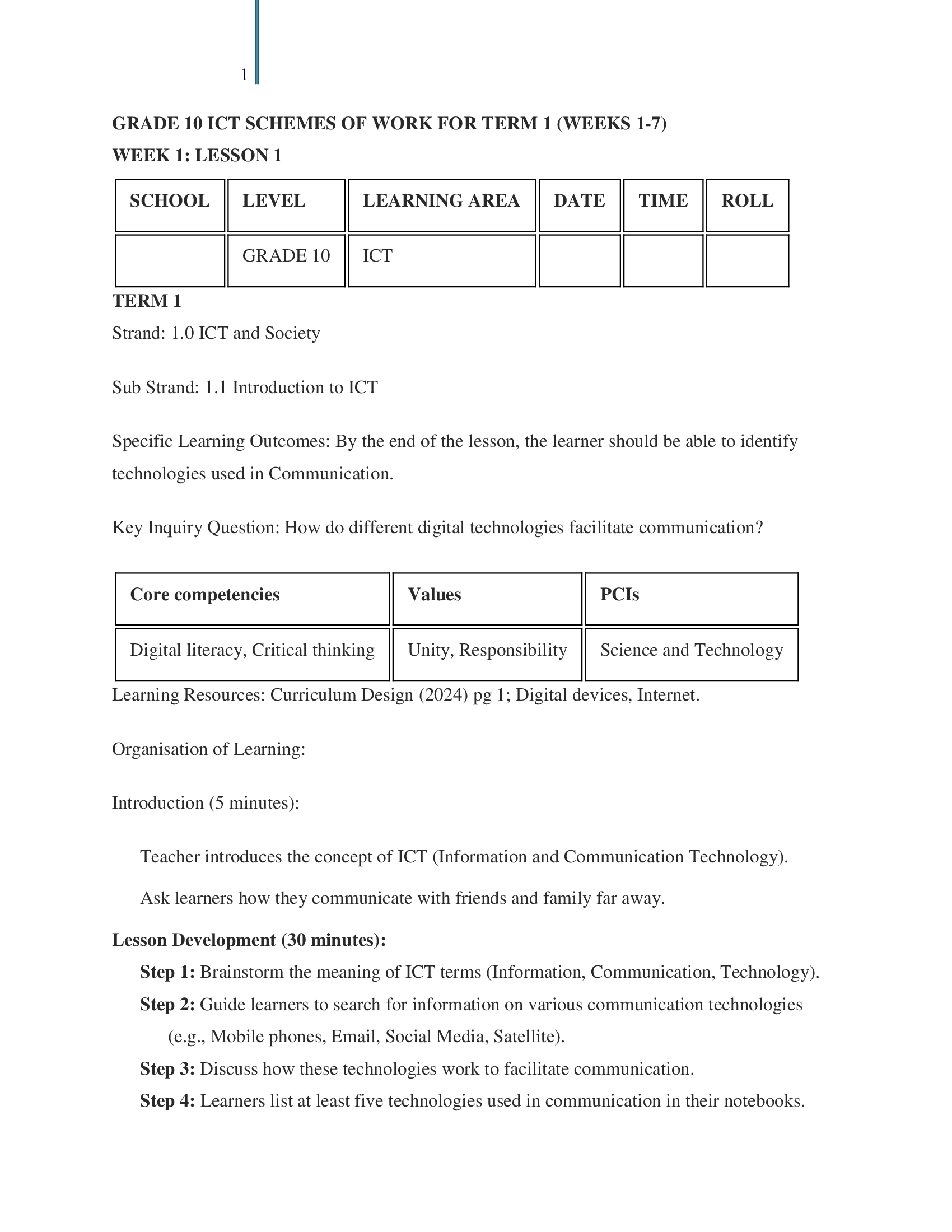
Title: Grade 10 Information and Communication Technology Lesson Plans for Term 1
- Class:Grades 10
- Level:Senior Secondary
- Document Type:Ms Word Doc (Editable)
- Number of Pages: 26
Summary
This MS Word document comprises Grade 10 Information and Communication Technology Lesson Plans for Term 1, 2026.
A PDF version of the document is also available upon request.
🗓️ Duration and Lesson Structure
The lesson plan covers a duration of 12 weeks, with a Mid-Term Break scheduled for Week 8.
It is structured with 2 lessons per week, ensuring a steady progression through both the practical and theoretical aspects of the syllabus.
The lesson plan is fully aligned with the KICD-approved CBE (formerly CBC) curriculum.
📚 Strands, Sub-Strands, and Topics Covered
🔹 Strand 1.0: ICT and Society
Sub-Strand 1.1: Introduction to ICT
Identifying technologies used in communication (mobile phones, email, etc.)
Explaining the components of ICT infrastructure (Hardware, Software, Network, People)
Using ICT to interact with information (messaging, email)
Appreciating the importance of ICT in society
Sub-Strand 1.2: Application Areas of ICT
Identifying application areas of ICT (Education, Health, Banking, Agriculture)
Observing ICT use in the community (Field visit)
Relating ICT application to solving problems
Appreciating the role of ICT in society (Benefits vs Challenges)
Sub-Strand 1.3: Operating Systems
Explaining the importance of operating systems
Identifying types of operating systems (Desktop vs Mobile)
Using the operating system interface (GUI navigation, system settings)
Manipulating files and folders (Create, Rename, Move, Copy, Delete)
Implementing security control measures (Passwords, User accounts)
Appreciating the use of operating systems
🔹 Strand 2.0: Productivity Tools
Sub-Strand 2.1: Word Processing
Explaining the importance of word processing
Selecting a word processing tool
Performing basic word processing tasks (Create, Save, Open)
Editing a document (Select, Cut/Copy/Paste, Find/Replace, Spell Check)
Formatting a document (Character and Paragraph formatting)
Formatting a document (Page Layout: Margins, Orientation, Columns)
Inserting tables and graphics (Images, Shapes)
📝 Strand: Assessment
Sub-Strand: End Term One Assessment
End Term One Examination (Theory/Practical)
Preview first pages below for more details